As the Clever Attributes App can only be installed as a dependency when installing the Clever MES App, attribute values can also be defined on the MES Portal. The functionality works in exactly the same way as it does within Business Central and all the same posting rules etc. will be applied.
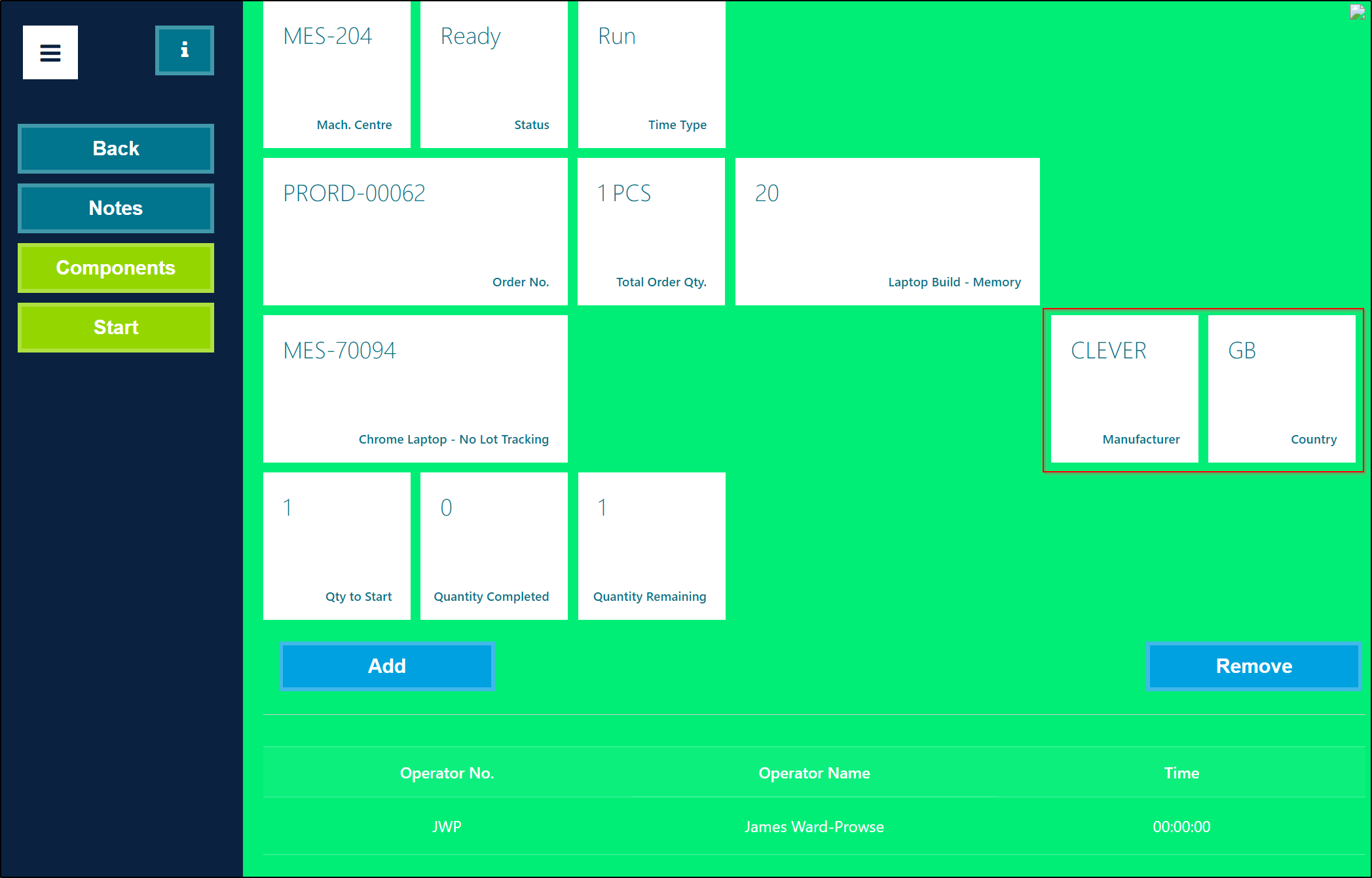
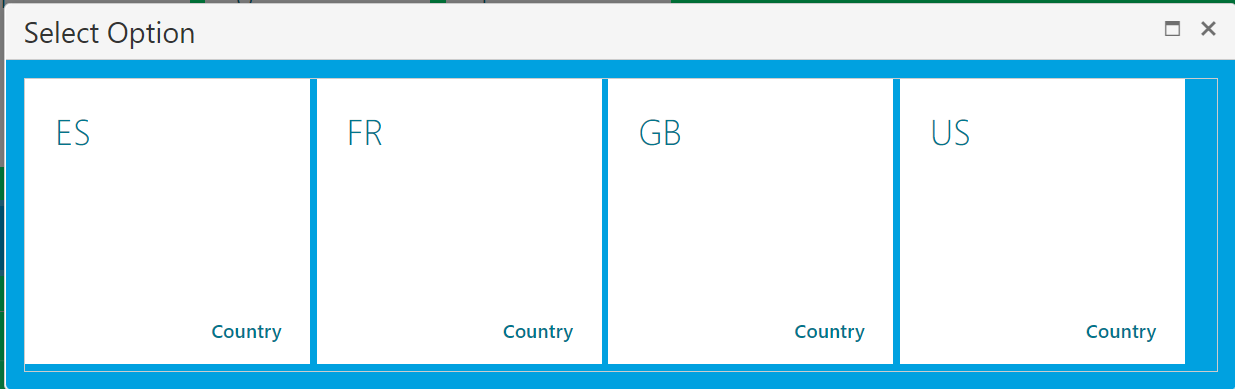
When you click on one of the Clever Attribute Tiles on the MES Portal, the related attribute values will be displayed allowing you to select one.
When you have completed an Operation, any attribute values defined on the MES Portal will be recorded against the Capacity Ledger Entries.
Note: Clever MES only supports Clever Attributes with the Type of Option. Within Business Central Clever Attributes can have different types of value (e.g. Integer / Date) and therefore you must ensure that only Attributes with a Type of Option are setup for use on Production Order Routings which are processed using the Clever MES platform.