If you are not using the Create Whse. Receipt action on the "Landed Cost Container Detail" screen (which allows you to create a single "Warehouse Receipt" for a single "Landed Cost Container", see Container Warehouse Receipt) you are able to filter on a Landed Cost Container No. when selecting the Use Filters to Get Src. Docs. function on a "Warehouse Receipt".
When selecting this option, a new field called LC Container No. Filter has been added to the "Source Document Filter Card" screen, after the Source No. Filter field, which can be used to define a specific Container. When running this function, all "Purchase Order" lines which have the same Landed Cost Container No. will be brought onto the "Warehouse Receipt" for you.
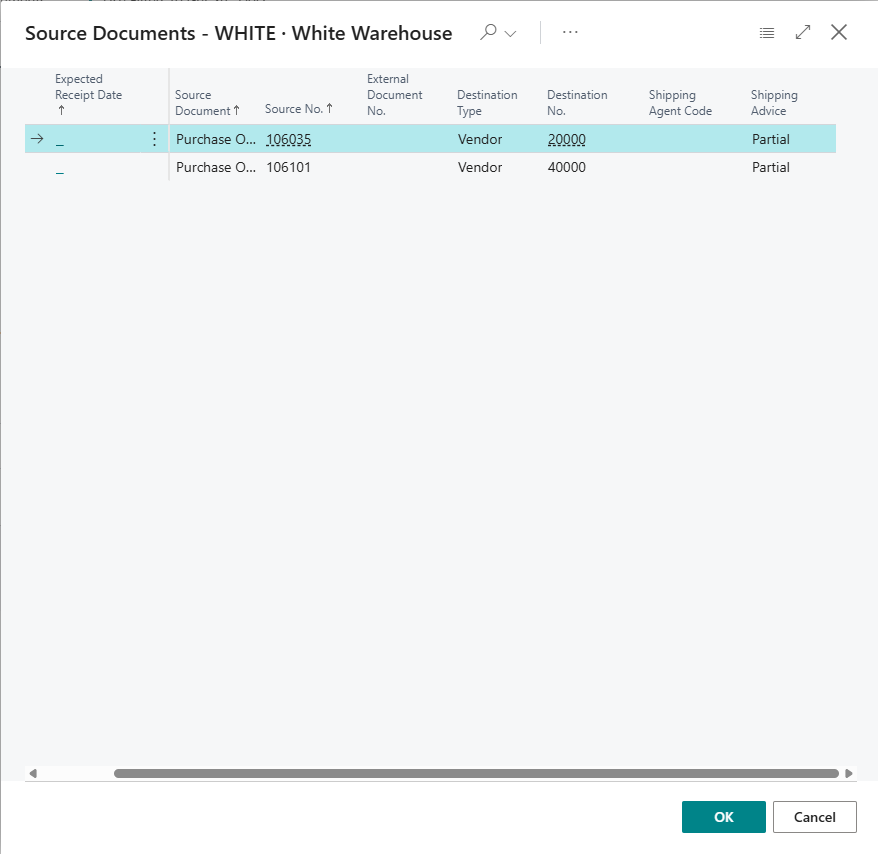
Note: The LC Container No. Filter only filters purchase lines. Inbound transfer lines are not filtered by container.
Warehouse Receipt Fields
The following fields are added to the "Warehouse Receipt" screen, after the Vendor Shipment No. field.
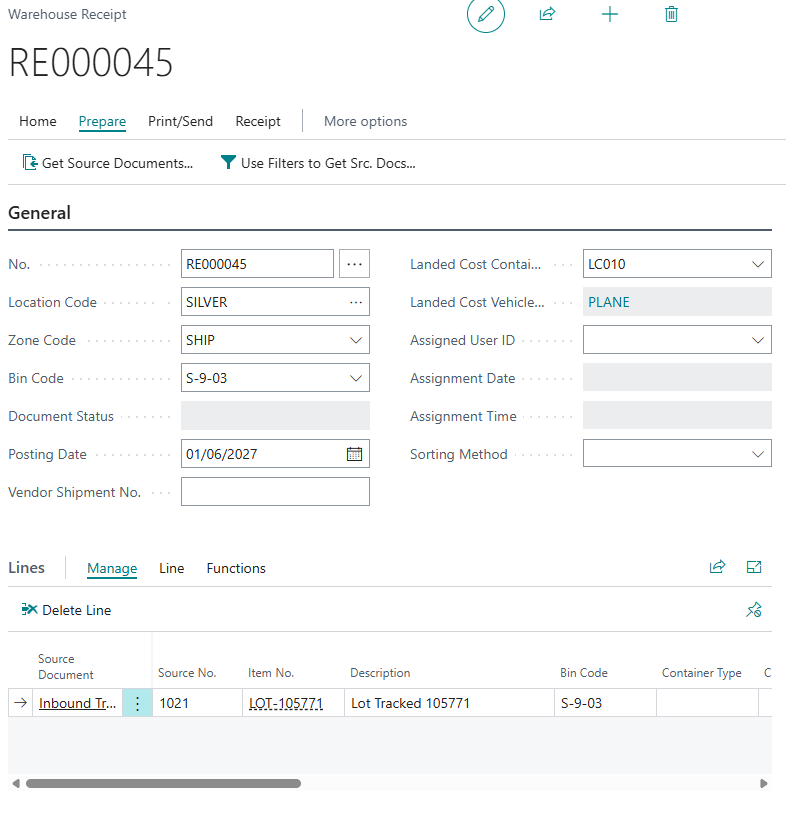
| Landed Cost Container No. | The "Landed Cost Container" that the receipt relates to. It is filled in when the receipt is created with the Create Whse. Receipt action on the "Landed Cost Container Detail" screen. This field is also shown on the "Warehouse Receipts" list. |
| Landed Cost Vehicle ID | The vehicle assigned to the "Landed Cost Container". This field cannot be edited. |
When you post the "Warehouse Receipt", the landed costs for the received purchase and inbound transfer lines are posted in the same way as for a receipt posted from the order. See Receipt Cost Posting. The Landed Cost Vehicle ID is copied to the lines of the "Posted Purchase Receipt".
The "Warehouse Shipment" screen also has a hidden Landed Cost Container No. field, which you can add using Personalise. It is filled in when the shipment is created from the container details.