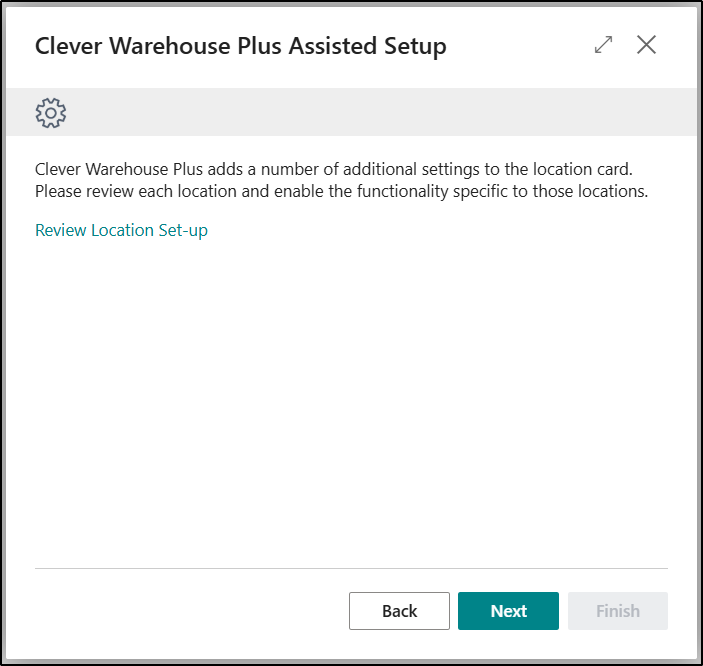
The Assisted Setup option is available to select on the Warehouse Setup Page, underneath the Clever Warehouse Plus Ribbon option.
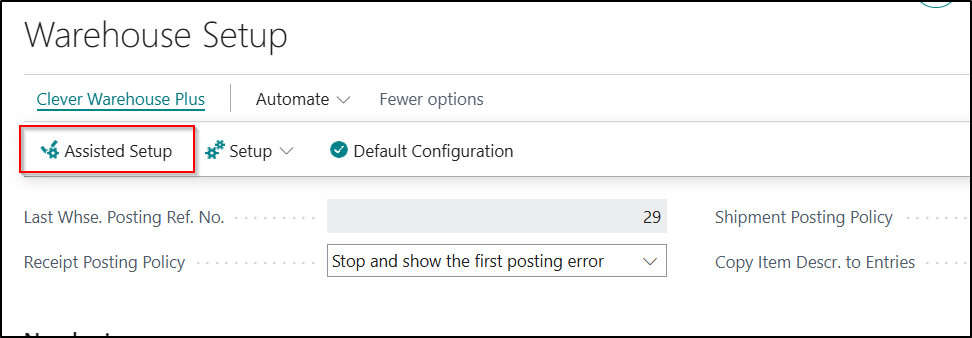
The purpose of the Wizard is to guide you through the whole Configuration process and make it quick and easy to set and use application without having to go into each separate Page individually. This is the process we would always recommend that users should follow when setting up the Clever Warehouse Plus Application.
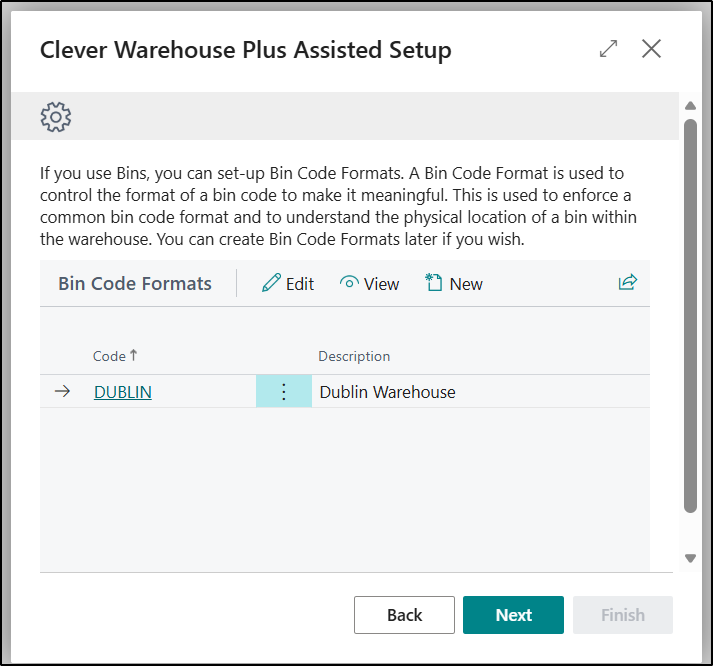
The first Page on the Wizard allows you to be able to define any Bin Code Formats you may want to use. A Bin Code Format is used to control the format of a bin-code to make it meaningful. This is used to enforce a common bar-code format and to understand the physical location of a bin within the warehouse. New entries can be created or existing entries edited as required.
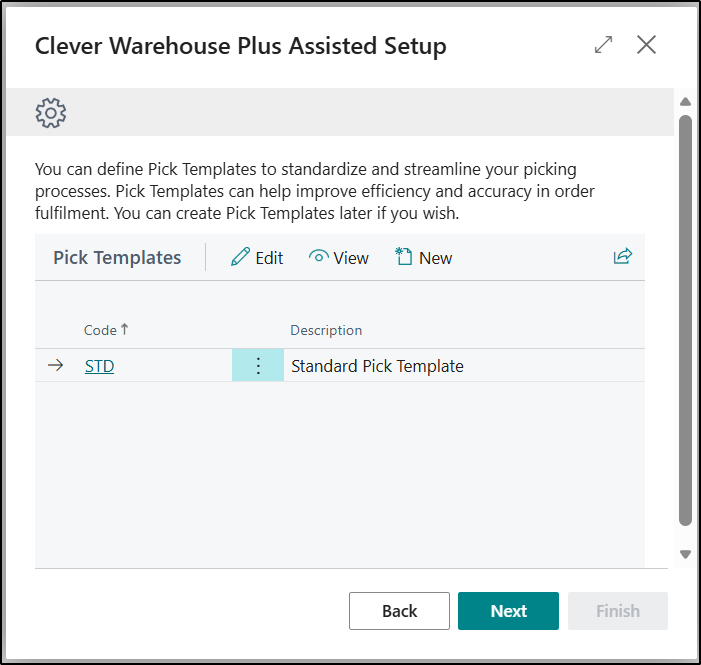
The next Page allows you to able to define any Pick Templates you may want to use. Pick Templates have been added to control the bin that items are picked from to provide more options for choosing the bin than the standard Bin Ranking. They work in a similar fashion to Put-away Templates and are optional, and will only work with Directed Put-Away and Pick Locations. New entries can be created or existing entries edited as required.
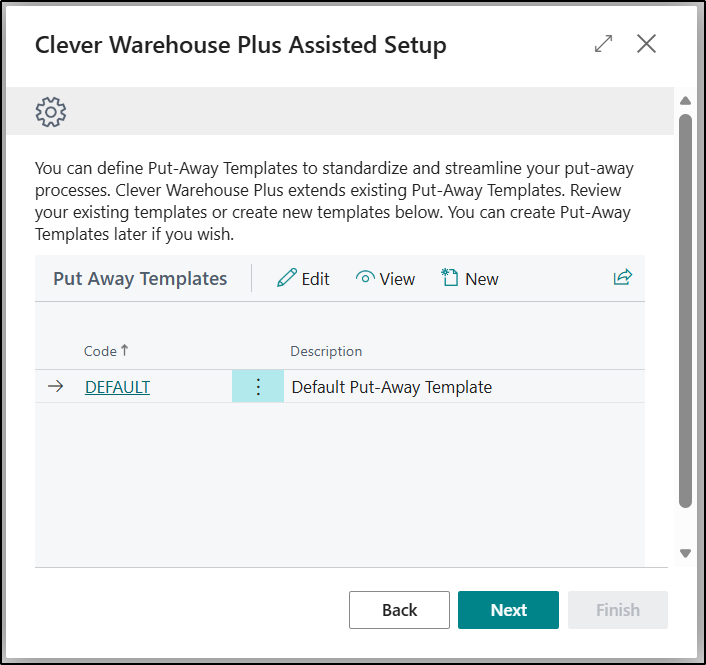
The next Page allows you to be able to define any Put-away Templates you may want to use. Put-Away Templates are part of standard Business Central functionality but they have been extended and enhanced as part of Clever Warehouse Plus to add features, improve usability and allow it to be easily extended. New entries can be created or existing entries edited as required.
The next Page allows you to review your Location setup where required. We have added additional options onto the Location Card as well as extending the Location History and Statistics functionality as part of Clever Warehouse Plus and this provides users with the ability to review these from from the Wizard.