Before you can use Clever EDI for integrating with a 3PL partner, you must have applied the Default Configuration in the "EDI Setup" screen, as detailed here.
With the Default Configuration applied, you can then also apply the default document configuration that is available for 3PL transactions using the Get 3PL Configuration option shown below.
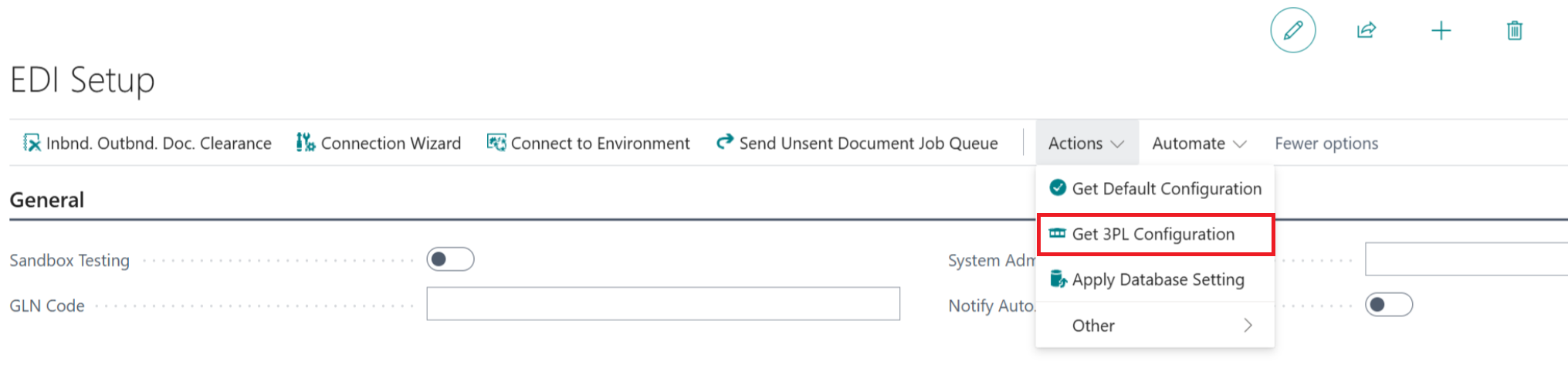
This provides a set of Outbound and Inbound Document Types and Mappings that you can then alter to suit your EDI requirements, as with any other EDI Document and the details for which are documented in the relevant sections of the Clever EDI user guide.