Once the user has completed the Packing Order, it can be posted by selecting the Post button on the ribbon.
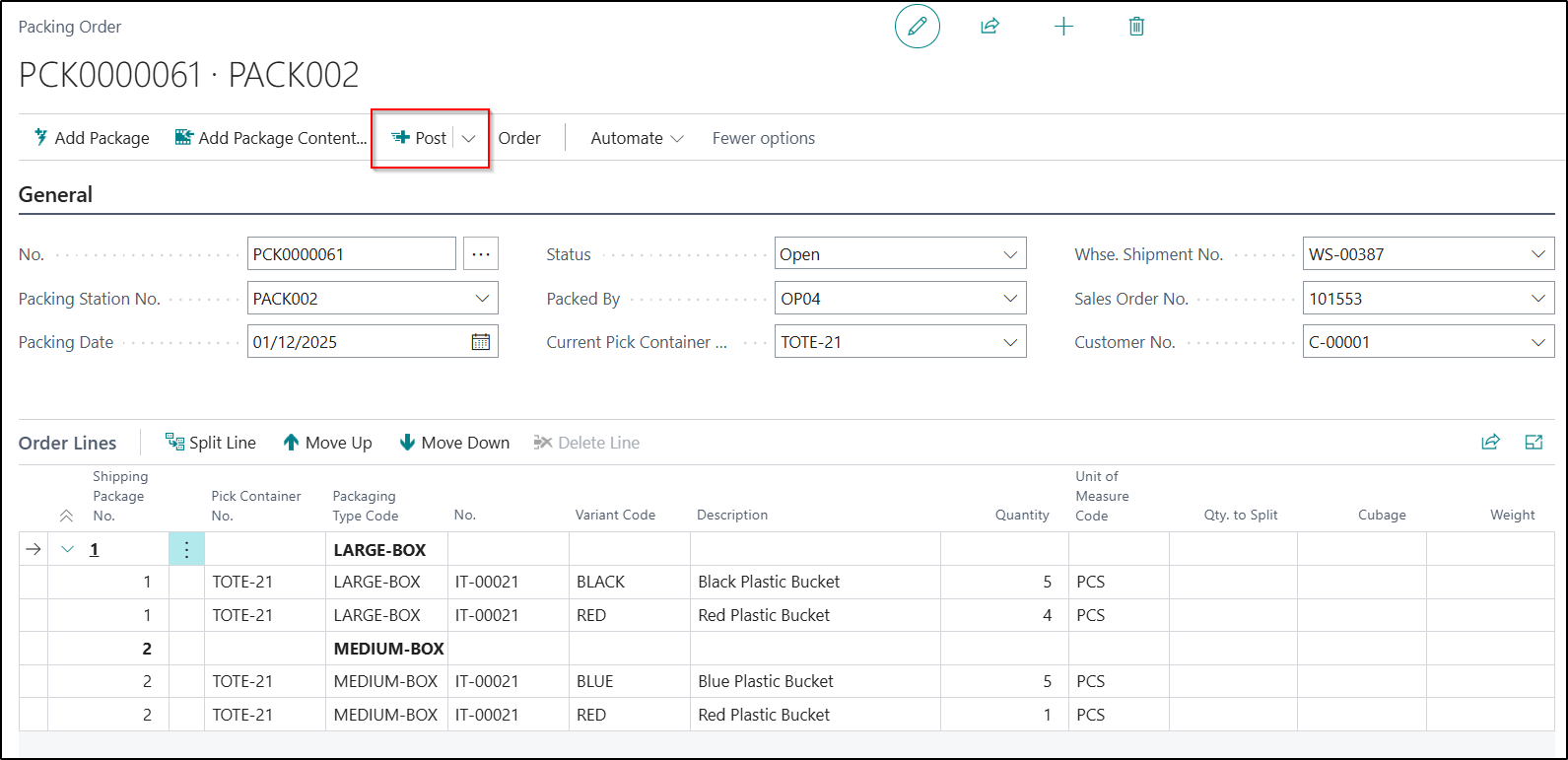
By selecting the Post button, the following actions will then be completed in Business Central:
-
The Packing Order will be posted and a Posted Packing Order entry created
-
A Warehouse Shipment will be posted if the Shipment on Packing Order Post option is enabled in Clever Packing Setup
-
Print the delivery documents, depending on the option selected in Clever Packing Setup
-
Post the invoice, depending on the option selected in Clever Packing Setup
-
If you are also using the Clever Shipping Agent Integration App a Consignment may also be created.