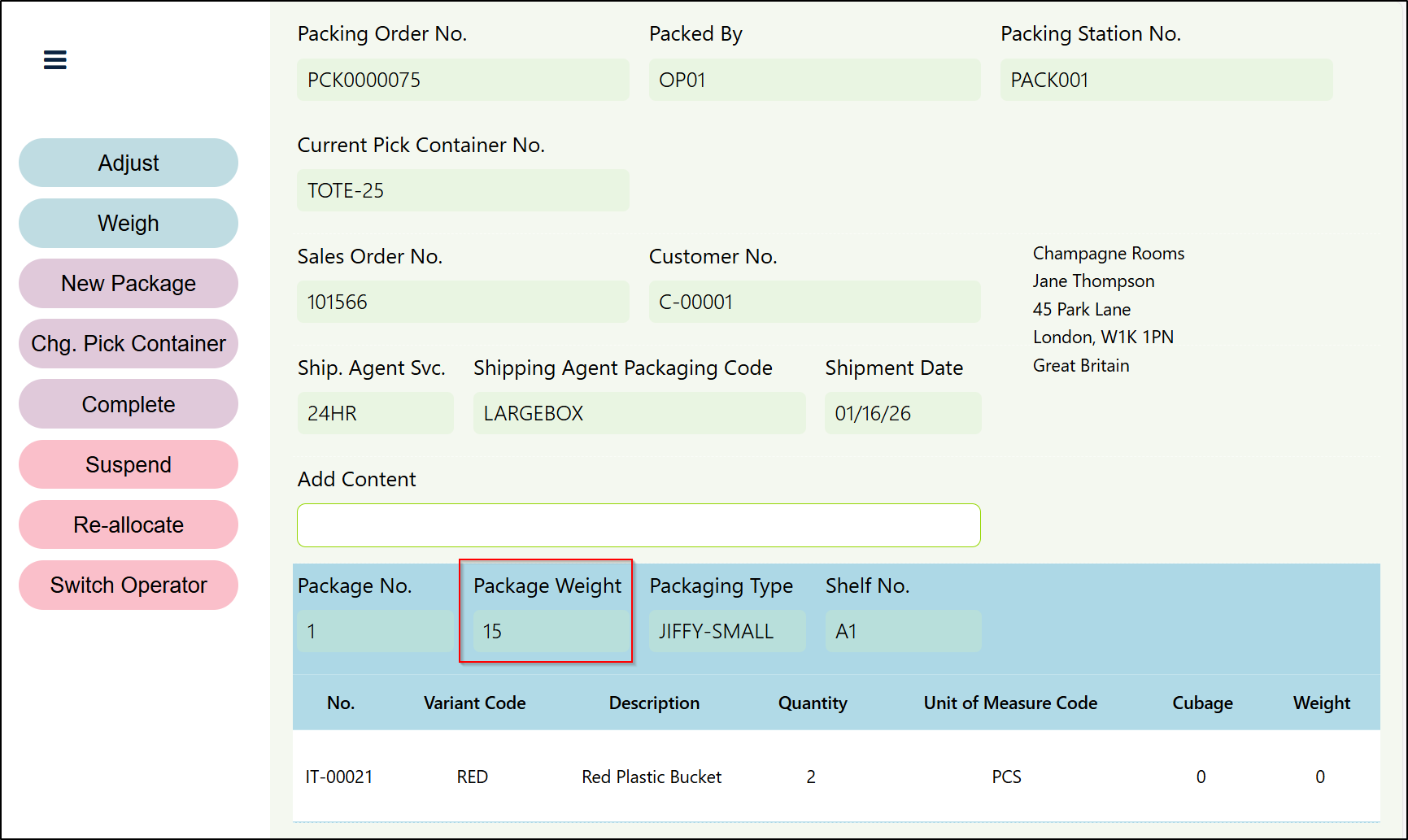
As described in the Creating and Processing a Packing Order section, if you only have one Package on a Packing Order, then you can weigh the Package at the point you complete the Packing Order.
However, if you have multiple Packages on a Packing Order, each separate Package will need to be weighed once they are complete before moving onto the next Package. This should be completed by clicking on the Weigh button from the buttons available on the left hand side of the Page. The below Page will then be displayed.
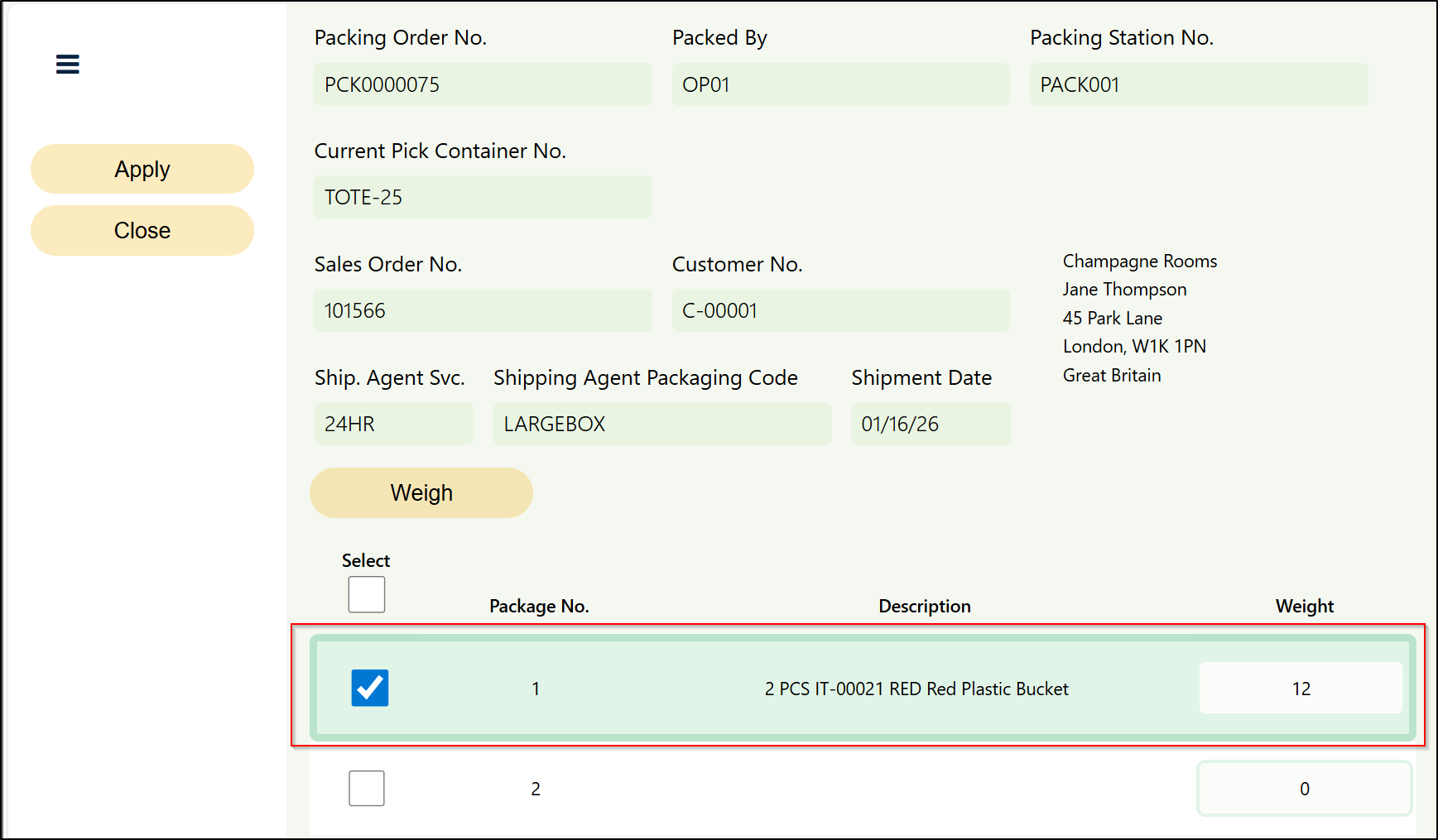
You should then select the completed Package and populate the Weight Field. If you are also using the Clever PrintNode Integration App and have set up weighing scale integration, then this functionality can also be utilised at this point.
Once weighed, click the Apply button and then the Close button to return to the main Packing Portal page. The weight information populated will be recorded in the Package Weight Field.