Legacy Note
With Clever WMS Containers v2 onwards, the Container Journal is now considered a legacy tool, retained for specific correction and conversion scenarios only. For all other container-related processes, use the standard item and warehouse journals, which now fully support container management.
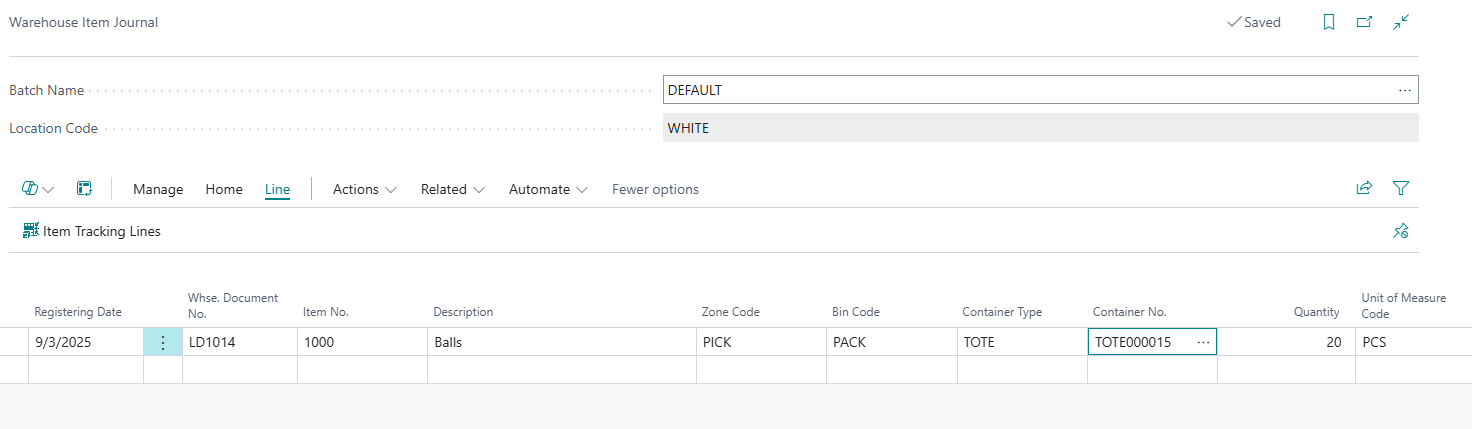
Container Journals should now only be used in exceptional scenarios, such as converting an existing bin into a container-tracked bin or making corrections to container entries and contents. For all standard inventory and warehouse processes, container functionality is now fully integrated into the relevant journals, making the Container Journal largely obsolete for day-to-day operations.
When to Use Container Journals
-
Conversion: Use the Container Journal when you need to convert an existing bin into a container-tracked bin, allowing you to move container-tracked stock into it.
-
Corrections: Use the Container Journal to make corrections to container entries and contents when required.
-
Exception Handling: For routine container management, use standard inventory and warehouse journals, which now incorporate container functionality.
Setup
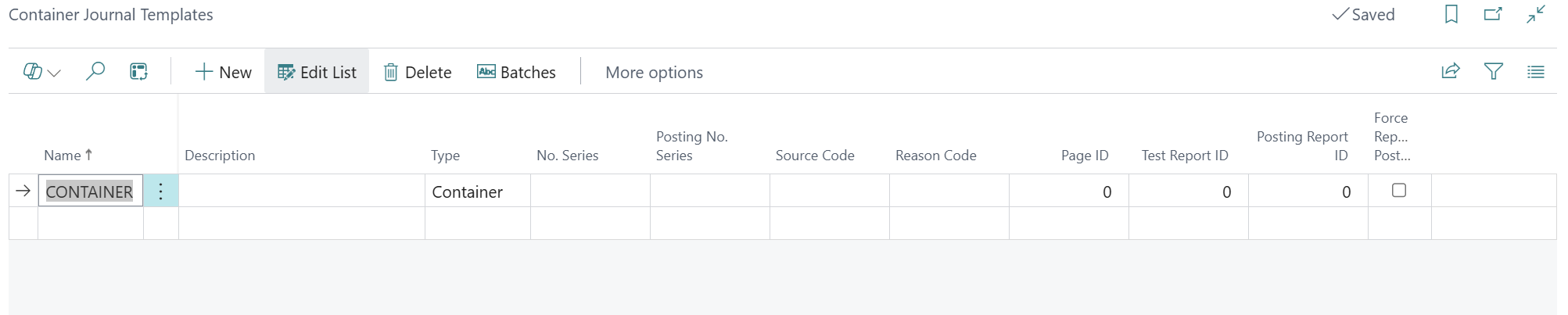
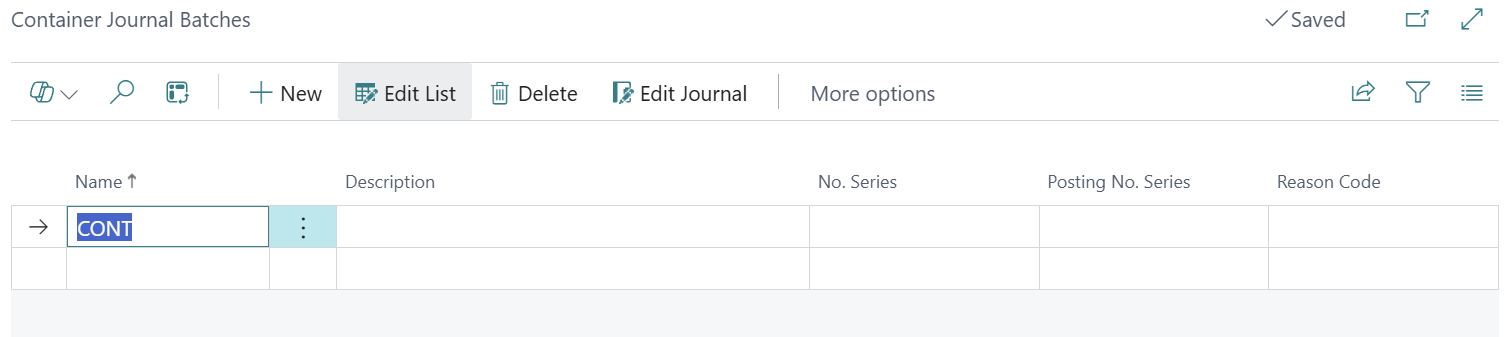
To use Container Journals, ensure that a Container Journal Template and one or more Container Journal Batches have been created.
Posting Behaviour
When Container Journals are posted, they will only create Container Entries and Contents. They do not create Warehouse Entries, Item Ledger Entries, or similar records.