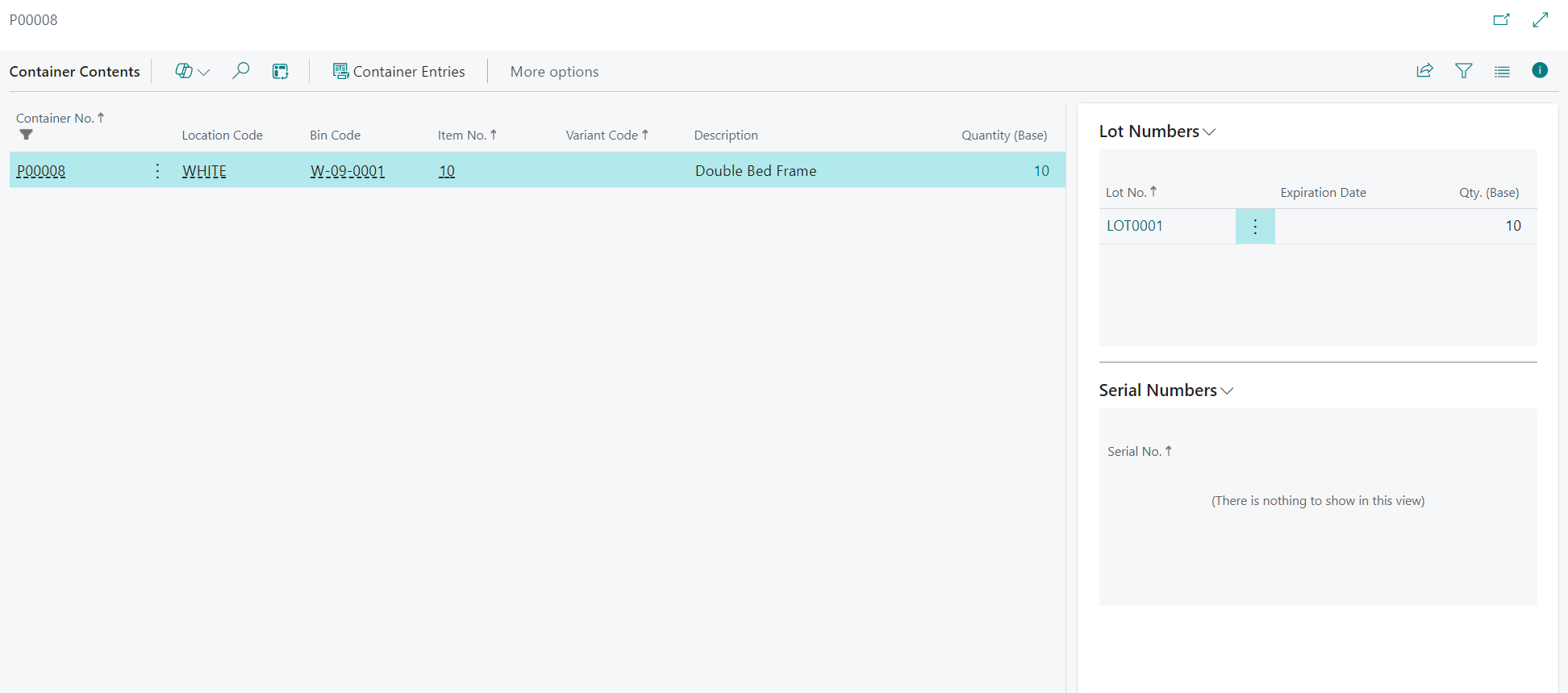
This page combines the "Container Contents" screen and the "Container Statistics" screen for end-user operational review.

"Container Contents" screen
Use the "Container Contents" screen to view what is currently inside containers by location and zone.
Set filters using Location Filter and Zone Filter, then review Container No., Item No., Variant Code, Quantity (Base), Location Code, Zone Code, and Bin Code.
Use Container Entries from the line menu to jump to posted history for the selected content line.
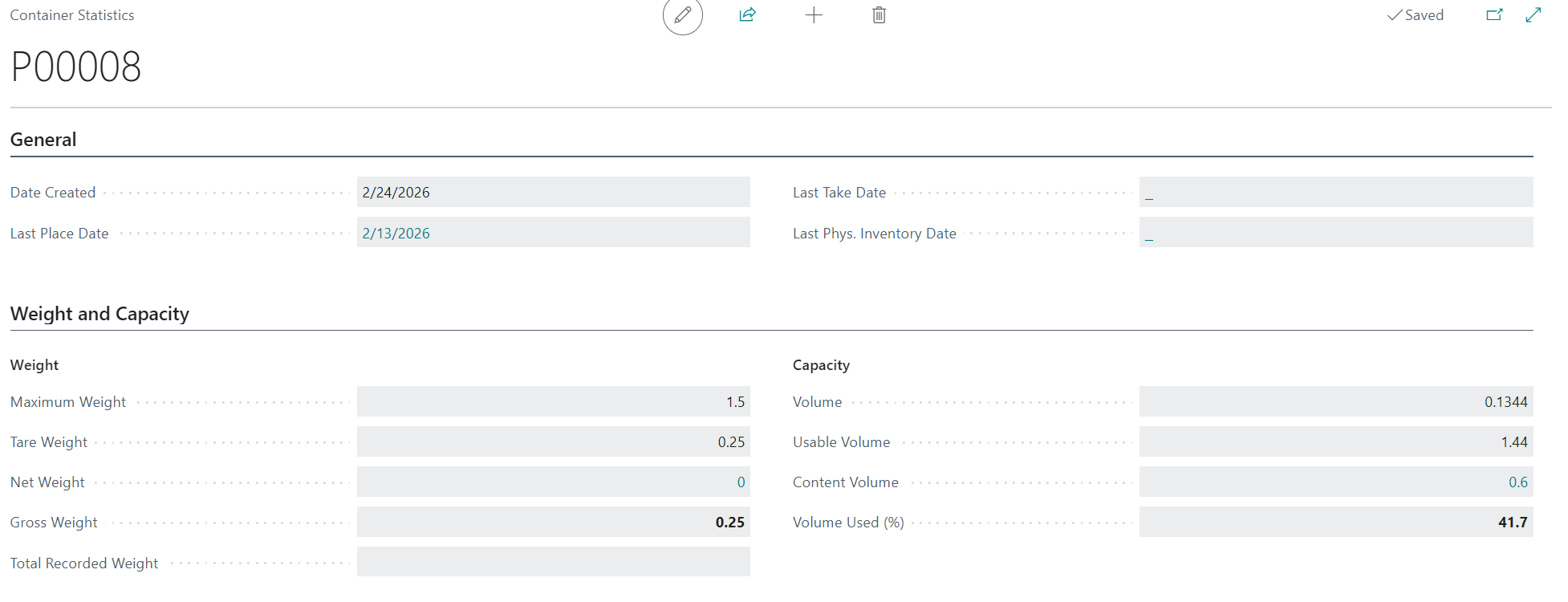
"Container Statistics" screen
Use the "Container Statistics" screen to review lifecycle, weight, and capacity metrics for a single container.
Review Date Created, Last Place Date, Last Take Date, Last Phys. Invt Date, Maximum Weight, Tare Weight, Net Weight, Gross Weight, Total Recorded Weight, Usable Volume, Content Volume, and Volume Used (%).
- Open a container card or list entry.
- Select Statistics.
- Review weight and volume usage before further warehouse activity.
Note: Use this screen to identify over-capacity or over-weight conditions before operational handling.