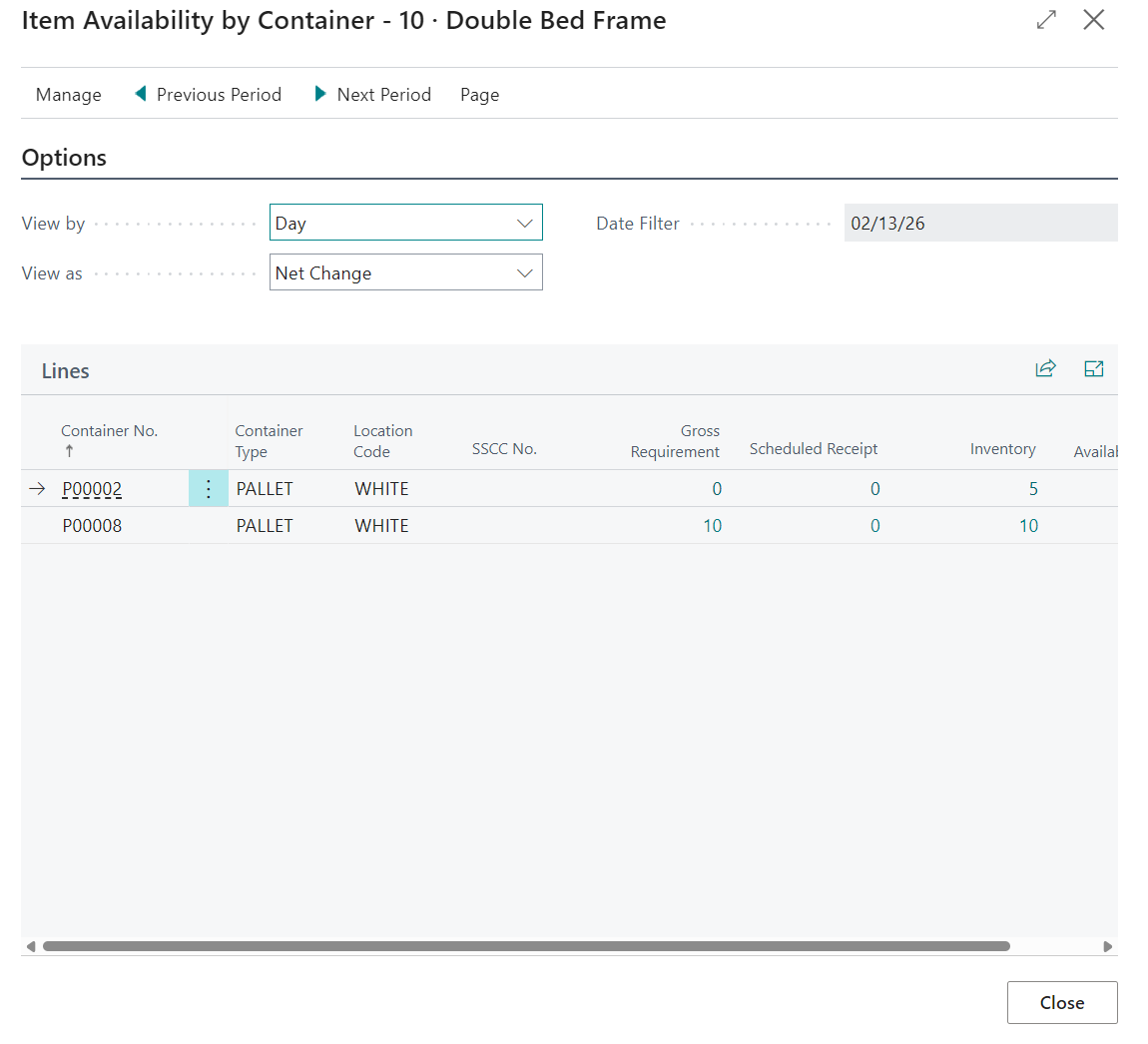
Use the "Item Availability by Container" screen to analyse projected and actual availability by container across time periods.
Set analysis options
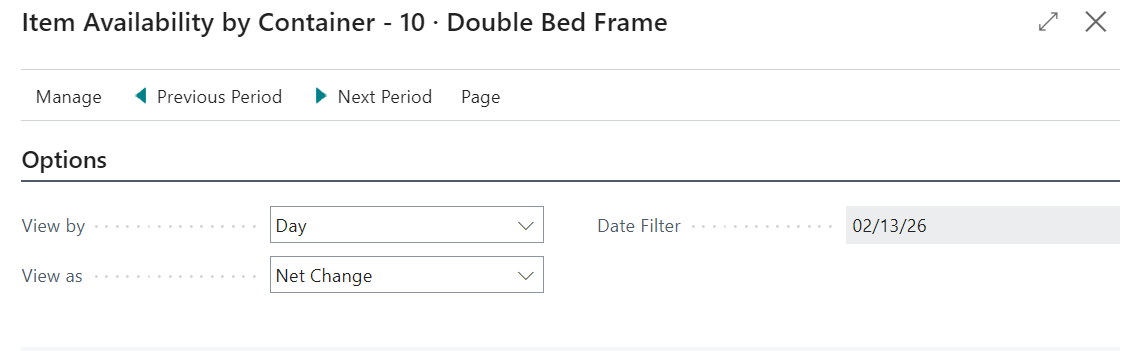
Open the "Item Availability by Container" screen and set View by, View as, and Date Filter.
Typical values for View by include Day, Week, and Month. Typical values for View as include Net Change and Balance at Date.
Review line values by period
Use the lines area to review period-based availability measures for the selected item and filter context.
Common line fields include Inventory, Projected Available Balance, Qty. on Purch. Order, Qty. on Sales Order, Qty. on Service Order, Qty. on Project Order, Qty. on Component Lines, and Net Change.
- Set period and amount options.
- Use Previous Period and Next Period to move through time.
- Review the resulting line values for planning decisions.
Note: Always confirm Date Filter before comparing periods so interpretation remains consistent.