Use the "Container Entries" screen to review posted container transactions and trace item/container movement history.
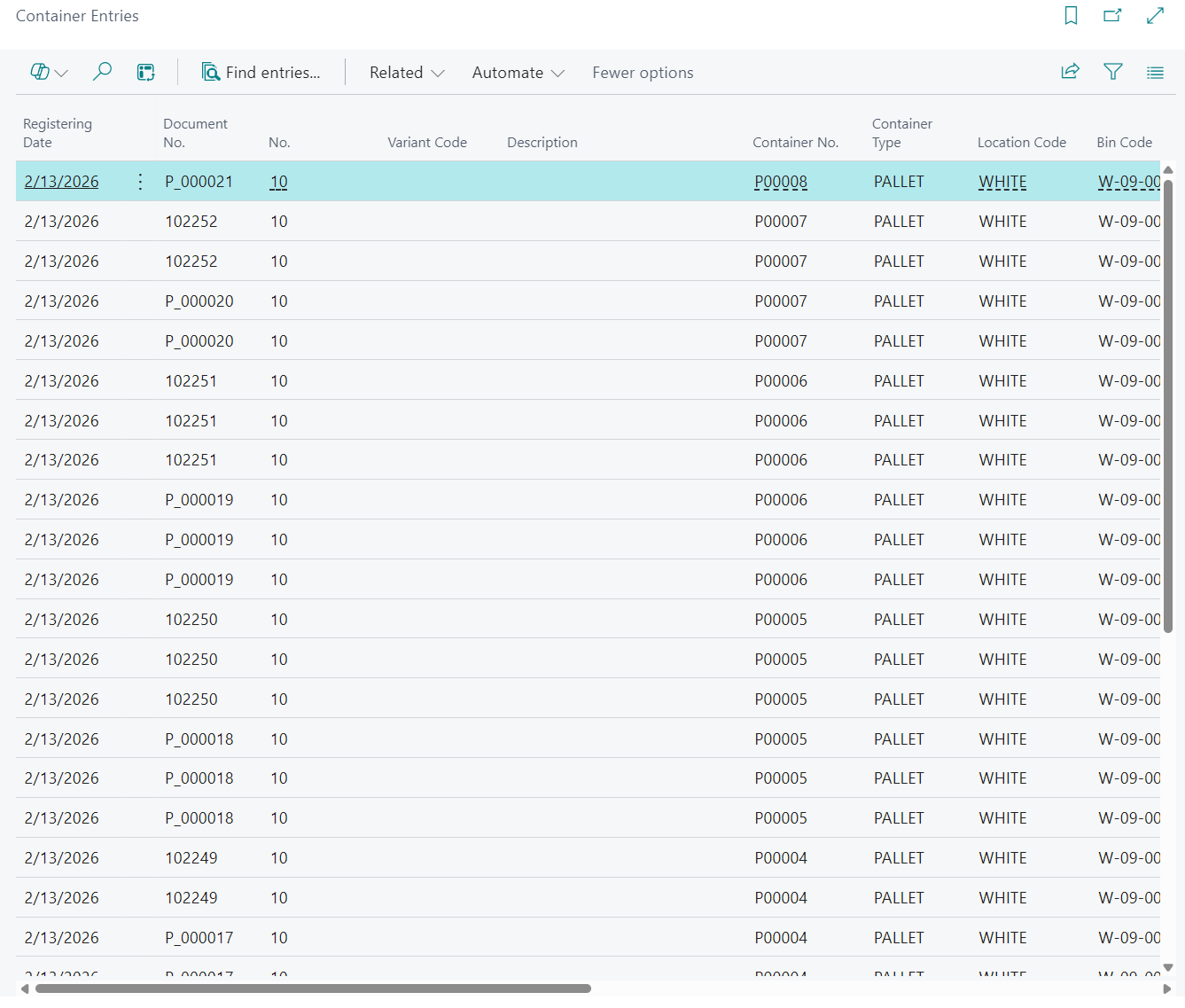
Open and filter posted entries
Open the "Container Entries" screen and filter by fields such as Posting Date, Document No., Container No., Location Code, Bin Code, Source Document, Source No., and Source Line No..
Use Lot No., Serial No., and Package No. to support detailed item traceability.
Use item tracking drilldowns
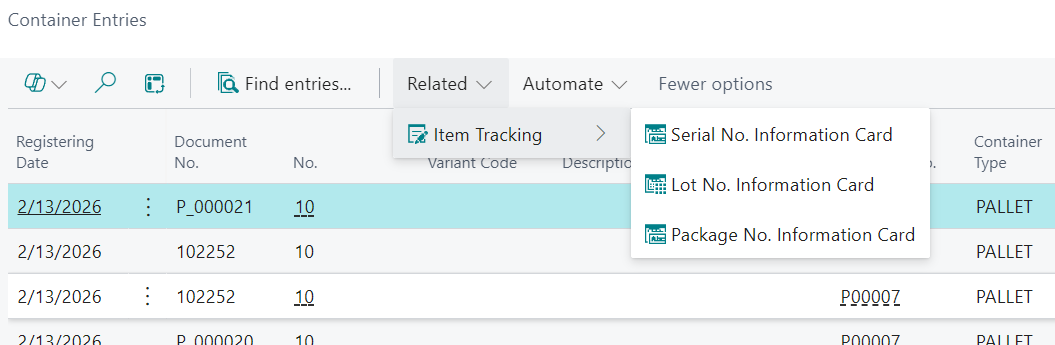
From the selected line, use Serial No. Information Card, Lot No. Information Card, and Package No. Information Card to review tracking details.
- Select a posted entry line.
- Open the required item-tracking action from the menu.
- Review the detailed tracking information for the selected tracking number.
Open related posted documents
Select Find entries... to open Navigate for the selected posted container entry.
Note: The "Container Entries" screen is a posted history screen and is not used to assign containers.