When using Clever WMS Containers during the shipping process, the system holds information of the Containers in the "Posted Container Tracking Lines" screen. From the "Posted Sales Shipment" screen it is possible to view the Container Tracking Entries, by selecting the Posted Container Tracking Lines option that is shown on the Shipment menu.
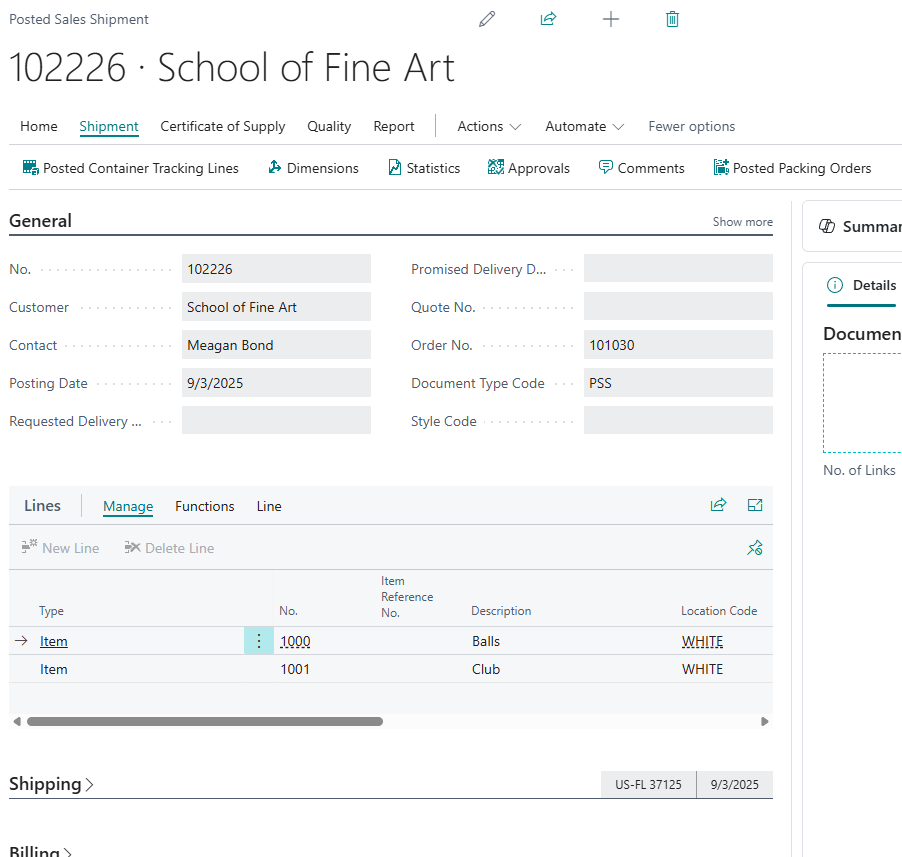
There are also a couple of additional features available from the "Posted Sales Shipment" that provide physical documentation for the Containers that were handled for the shipment and may be required depending on the requirements of the Customer to whom you are shipping the goods. The following features are available from the Report menu.
-
SSCC Labels - this option can be used to generate the labels if you are using and have successfully setup SSCC requirements as documented here
-
Shipment by Container - this option will produce a report which displays the Items on the shipment, broken down by the Containers that they were shipped in