This page explains how to maintain packaging master data using the "GS1 Packaging Codes" screen and the "Packaging GTINs" screen.
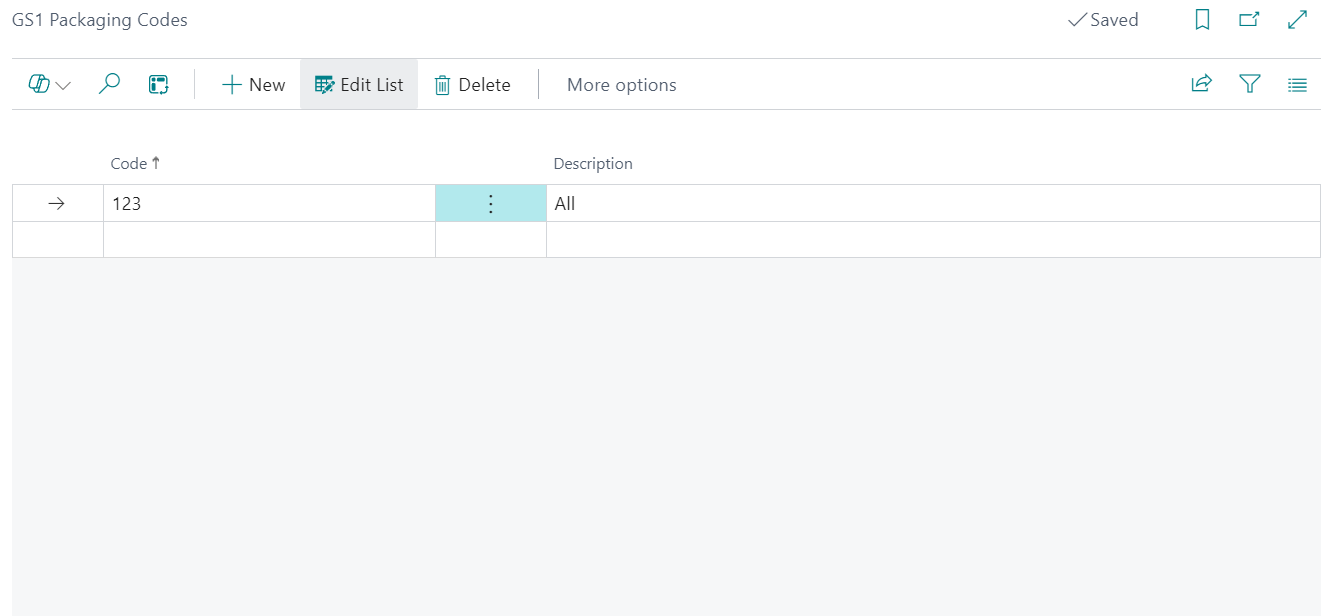
"GS1 Packaging Codes" screen
Open the "GS1 Packaging Codes" screen from the "Clever WMS Containers Setup" screen by selecting GS1 Packaging Types.
Create or maintain packaging type definitions using Code and Description.
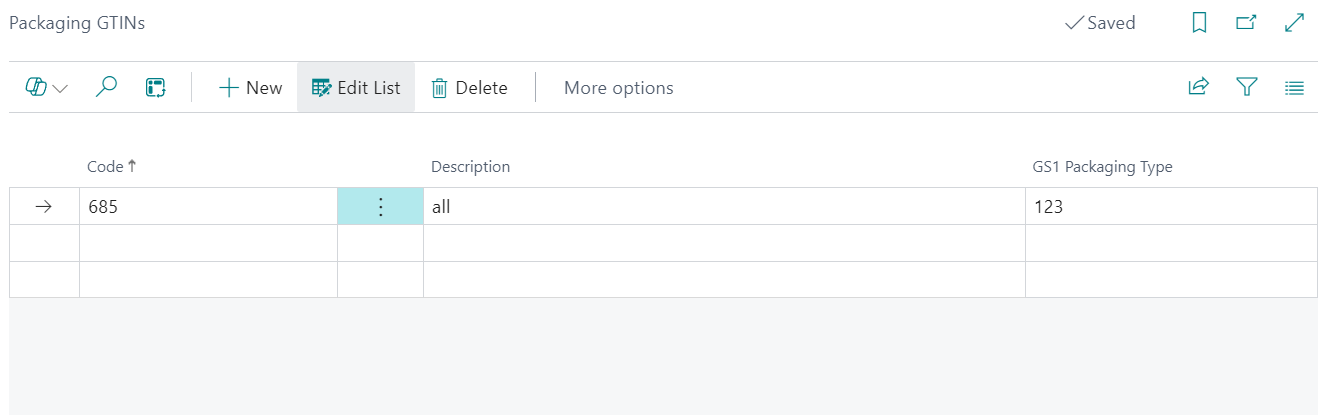
"Packaging GTINs" screen
Open the "Packaging GTINs" screen from the "Clever WMS Containers Setup" screen by selecting Packaging GTINs.
Maintain Code, Description, and GS1 Packaging Type to map GTINs to packaging standards.
- Create required GS1 packaging codes first.
- Create packaging GTIN records and assign the matching GS1 Packaging Type.
- Validate entries before label/report usage.
Note: Incorrect GS1 or GTIN setup can cause barcode and label output inconsistencies.