For any landed cost transaction which creates a Landed Cost Ledger Entry there is a Landed Cost Register for audit purposes tracking the ledger entries that were posted.
To view the register simply find the "Landed Cost Registers" screen using Tell me search feature inside of Business Central and open the screen.
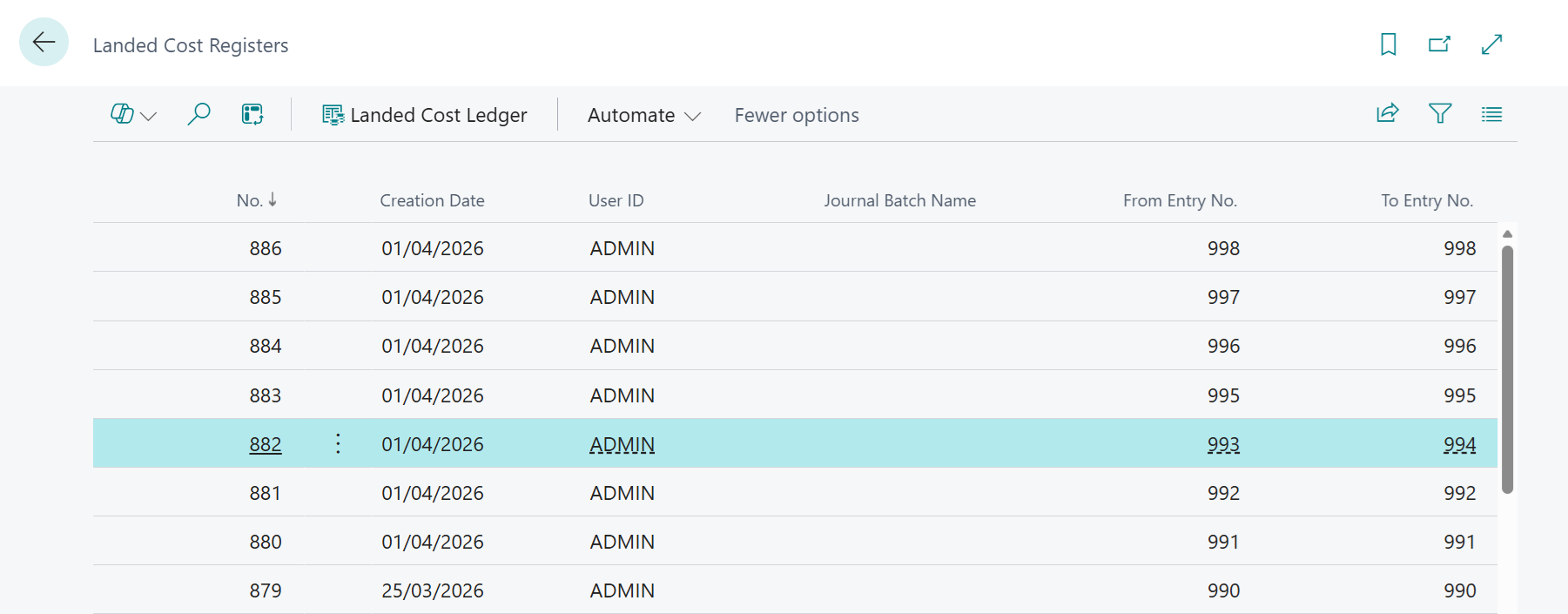
Each register entry will show the following information and in order to see the associated Landed Cost Ledger Entries that were posted you can select the Landed Cost Ledger action from the menu.
| No. | This is a unique number for each register record |
| Creation Date | The date on which the register record was created |
| User ID | The user that was responsible for posting the transaction which created the register |
| Journal Batch Name | If the register was created in relation to the posting of a Landed Cost Journal then the associated Journal Batch Name will be shown |
| From Entry No. | This will identify the Entry No. of the first Landed Cost Ledger Entry that was created in relation to the register record |
| To Entry No. | This will identify the Entry No. of the last Landed Cost Ledger Entry that was created in relation to the register record |