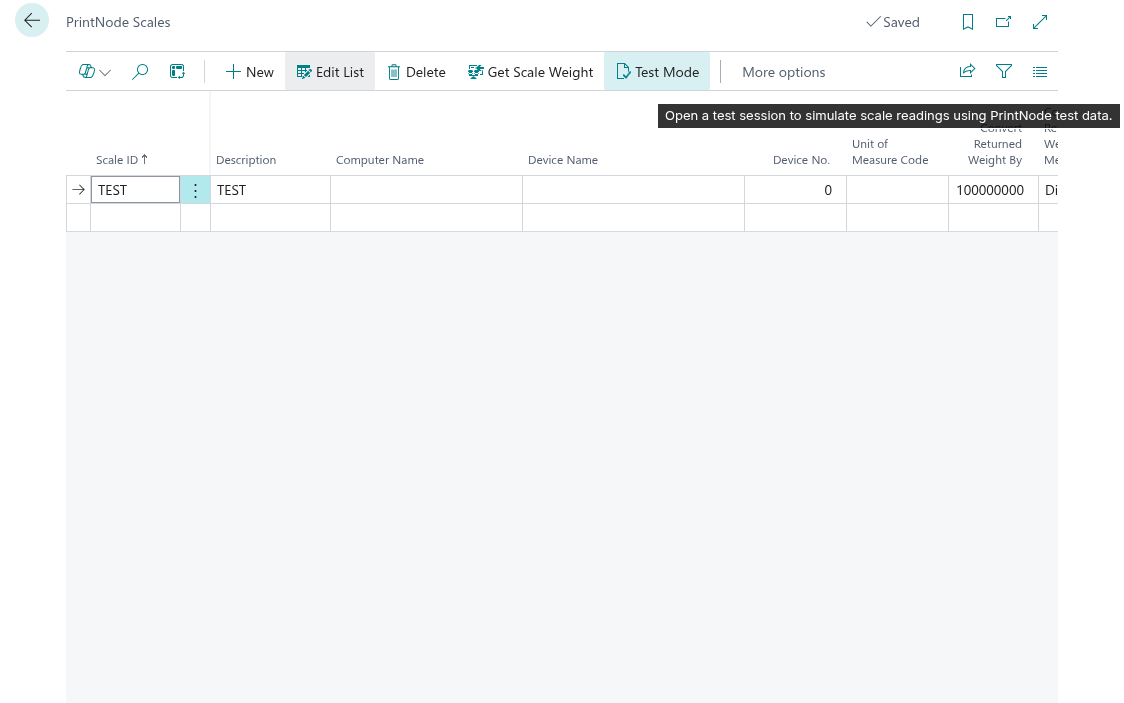
The "Scale Test Mode" screen allows you to verify that your PrintNode scale integration is working correctly by running a 5-minute simulated scale test session. This can be accessed from the "PrintNode Scales" Screen
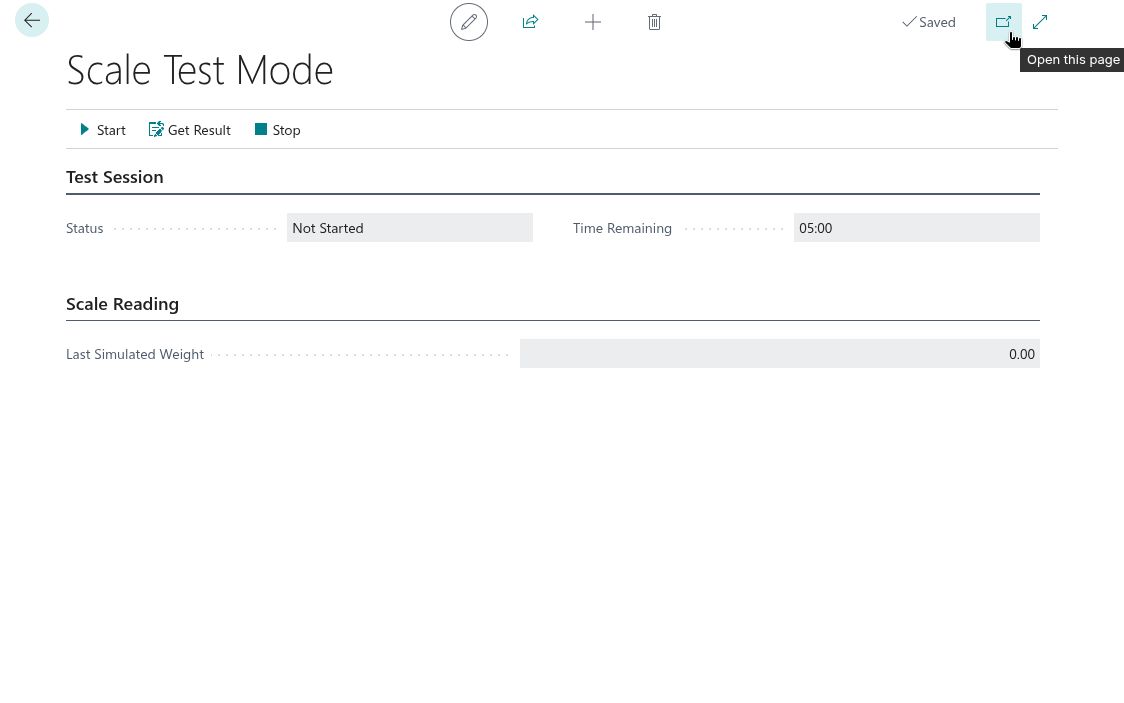
Note: It is recommended that you open the "Scale Test Mode" screen in a new browser window so that it can remain visible whilst you continue to work in Business Central during your testing. To do this, select the pop-out button in the top right of the screen.
Actions
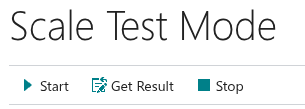
The following actions are available from the ribbon on the "Scale Test Mode" screen:
- Start – Start a 5-minute simulated scale test session. A PUT request is sent to PrintNode to generate simulated scale data.
- Get Result – Read the current simulated scale weight from PrintNode.
- Stop – Stop the current test session and disable test mode on all scales.
Screen Overview
| Field Name | Description |
| Status |
Shows the current status of the test session. |
| Time Remaining |
Shows the time remaining in the current test session. |
| Last Simulated Weight |
Shows the last simulated weight value retrieved from PrintNode. |