Each "Landed Cost Container" can be given a Container Type, such as a 20ft or 40ft container, to describe the type of container that the goods are being transported in. The Container Types that you use are set up within the "Landed Cost Container Types" screen, as shown below.
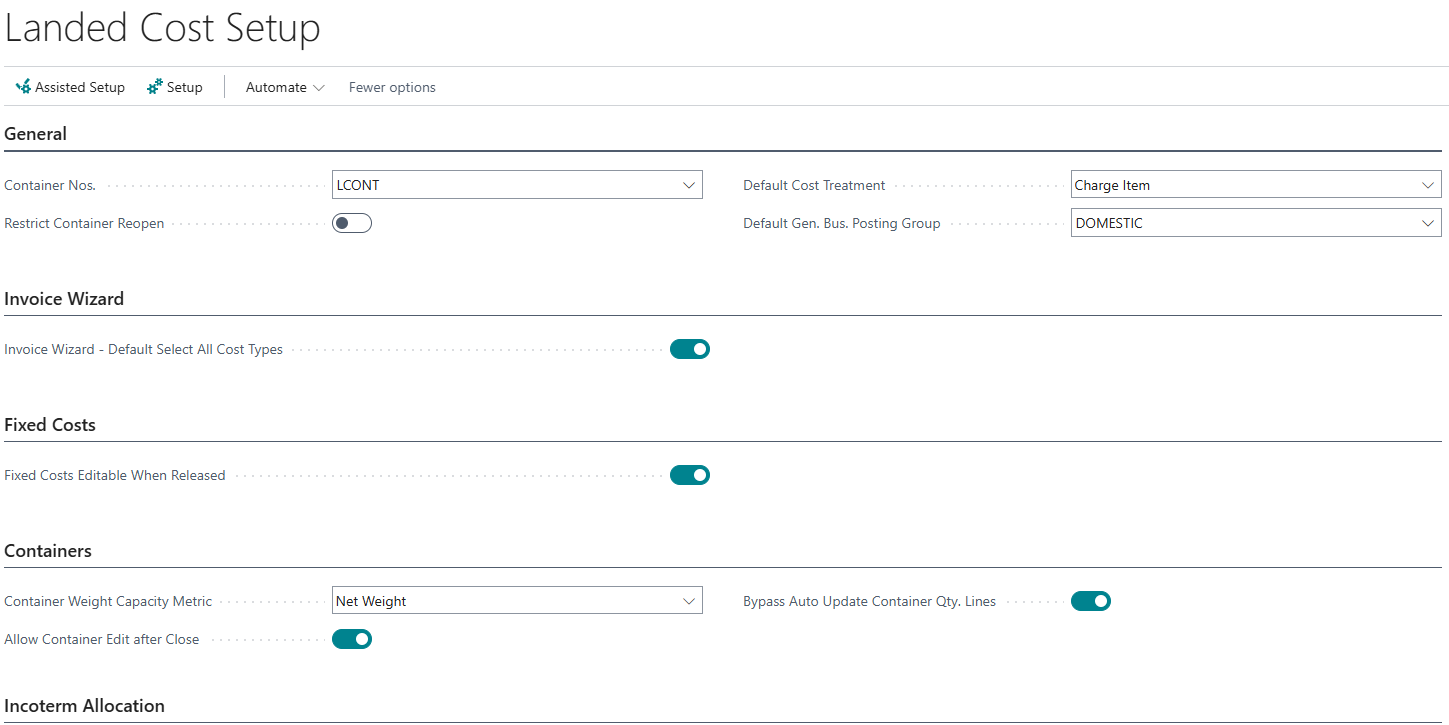
You can open this screen using the Search functionality in Business Central, or by selecting Landed Cost Container Types from the Setup menu of the "Landed Cost Setup" screen.
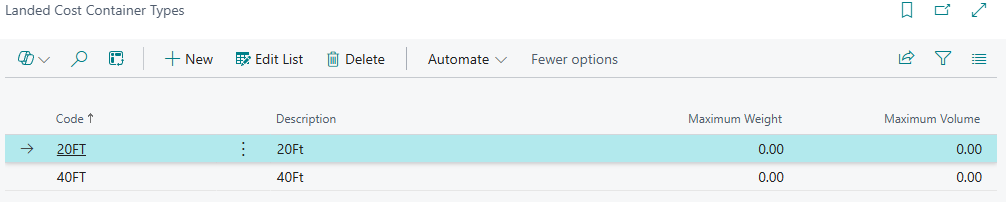
The information to set up against a Landed Cost Container Type is as follows.
| Code | A unique code that identifies the Container Type, for example 40FT. |
| Description | A description of the Container Type. |
| Maximum Weight | Optionally, the maximum weight that this type of container can carry. Enter this in the same unit that you use for the Net Weight and Gross Weight of your Items. |
| Maximum Volume | Optionally, the maximum volume that this type of container can hold. Enter this in the same unit that you use for the Unit Volume of your Items. |
Using Container Types
When you select a Container Type on the Container FastTab of the "Landed Cost Container Detail" screen, its Maximum Weight and Maximum Volume are shown in the Capacity group of the Details section. They appear alongside the Assigned Weight and Assigned Volume of the Purchase Lines assigned to the Container, so that you can see how full the Container is. See Landed Cost Containers.
The Container Type can also be used as a filter on the Fixed Cost Setup, so that different fixed costs are suggested for different types of Container. See Fixed Cost Assignment.
Note: a Container Type cannot be deleted whilst it is assigned to a Landed Cost Container.
Container Weight Capacity Metric
The Assigned Weight of a Container is calculated as the Quantity of each assigned Purchase Line multiplied by the weight of the line. You control which weight is used with the Container Weight Capacity Metric field on the Containers FastTab of the "Landed Cost Setup" screen. For more information, see Landed Cost Setup.
| Net Weight | The Net Weight of the Purchase Line is used. This is the default. |
| Gross Weight | The Gross Weight of the Purchase Line is used, which includes the packaging weight. |