To setup an integration for a Shipping Agent, first open the "Interfaces" screen. The Interface setup is used to define all parameters that each Shipping Agent requires for successfully sending and receiving Shipping information electronically.
The easiest way to setup the Interface is to select the Get Default Interfaces option from the menu which will create a record for all Shipping Agents currently implemented within the Clever Shipping Agent Integration App, after which we can continue to setup the relevant Interface for the Shipping Agent(s) you wish to use.
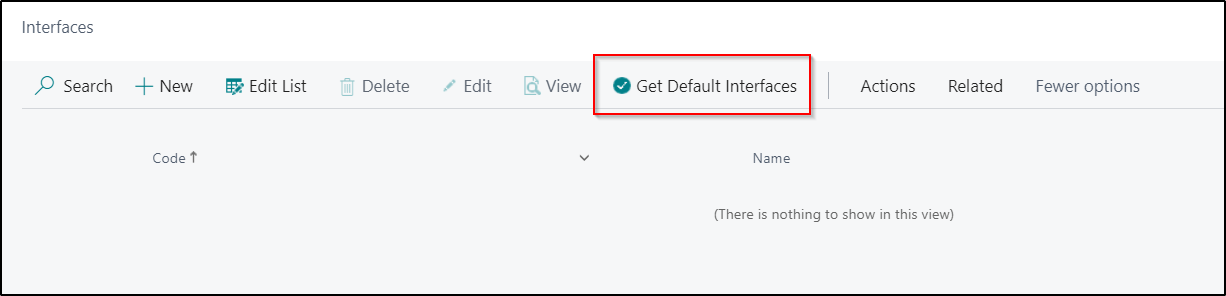
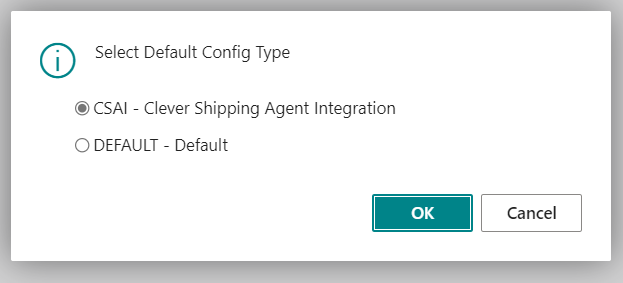
When you select this Action, the below Page will be displayed. Select the CSAI - Clever Shipping Agent Integration option to automatically create the records.
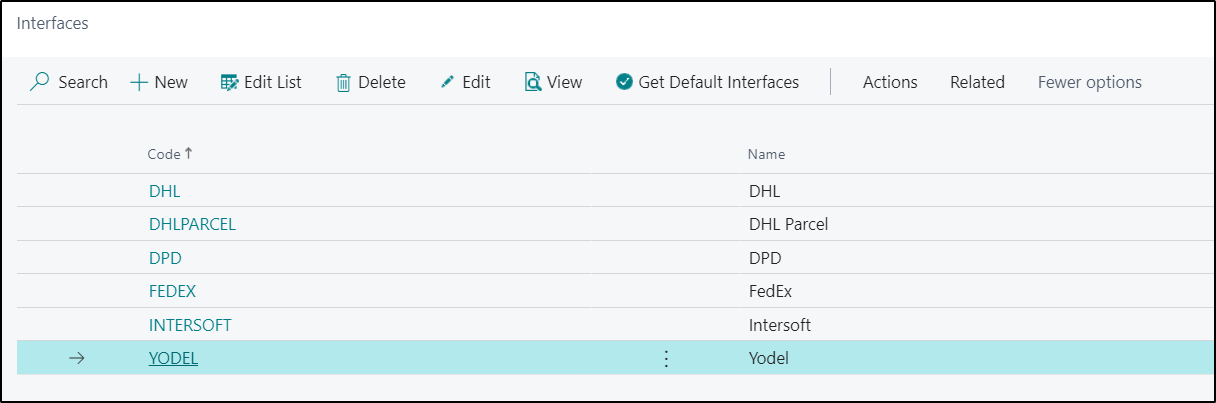
Once the Interfaces are setup, open the "Interface Card" by selecting Edit from the menu. Using the Get Default Interfaces option the required information is automatically completed for you, an example of which is shown below.

If you are setting up the Interfaces Card manually, then the Fields should be completed as follows.
|
Code |
A unique short code to identify the Interface |
|
Name |
The name of the Shipping Agent |
|
Use Test Endpoint |
This Field can be used to switch between the Test and Production Endpoints. When enabled, any messages will be sent to the Test Endpoint |
|
Platform Code |
In this Field, select the required Platform Code for the Shipping Agent you are integrating with |
|
Platform Version |
In this Field, select the Platform Version you want to use with this Platform Code |
The next step is to populate the "Interface Parameters" setup which is accessed by selecting the Parameters option from the Related menu. The parameters that are required will be different for each Shipping Agent you are working with, but will include information like the User Name and Password which your Shipping Agent should supply you with. If you have used the Get Default Interfaces option, then the required Parameter Name values will be completed for you and you will then just need to complete the Parameter Value fields.
Note: For UPS Interface only, for any customers upgrading from Platform Version Code 1.0 to Platform Version Code 2.0 (Platform Versions can be found in the ribbon of the Interface once UPS is selected) from Clever Shipping agent integration version 9.0.1 or earlier, 2 of the Parameter names will need to be manually updated.
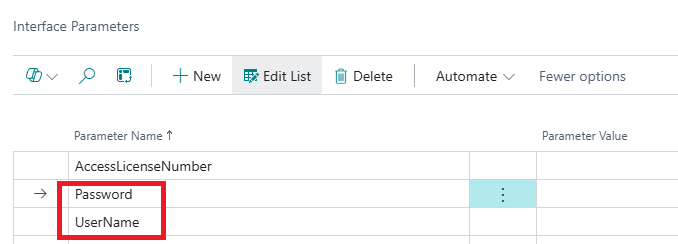
Platform Version 1.0 for UPS will require the parameters:
- AccessLicenseNumber
- Username
- Password
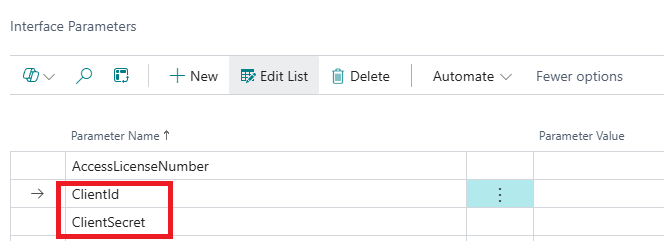
Platform Version 2.0 for UPS will require the parameters:
- AccessLicenseNumber
- ClientId
- ClientSecret
These have been included from version 9.1.0 of Clever Shipping Agent Integration automatically for new installations so no manual changes are required when using Platform Version 2.0.
See below 2 images showing both the old and the new Parameter Names for the Platform Versions.
Importing/Exporting Interfaces
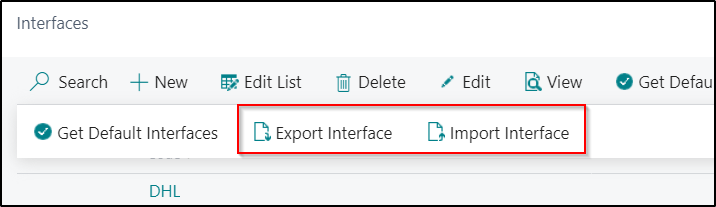
If you have previously setup Interfaces in another Environment, such as a Sandbox Environment for testing and then want to copy the configuration to a Production Environment you can use the Export Interface and Import Interface menu options to do this.