Operators don't always stay in one place. A skilled operator might cover two machines in a shift, or move to a bench to perform a different operation. Switching lets someone move from one Workspace to another without having to sign out and set the tablet up again.
Switching only appears if your administrator has switched on Allow Device Switching in the “MES Setup” screen. Configure what operators see You'll see a switch button on the operation screen's banner, in the top right of the screen and on the selection screens when you're choosing a job, as highlighted in the screenshot below.
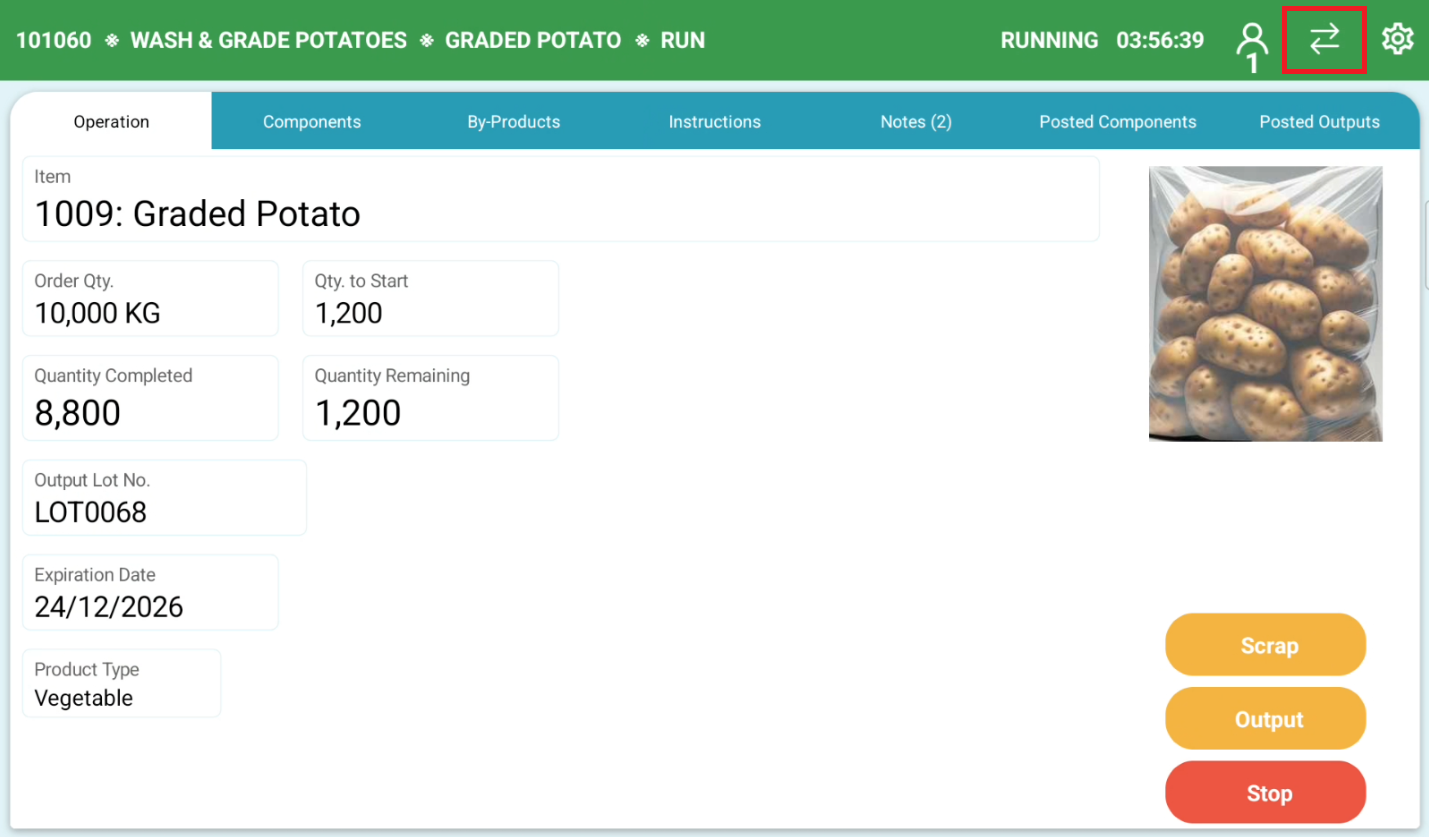
Switch to another Workspace
Tap the switch button
Choose the Workspace you want to move to
From the tablet's point of view, you can only switch to the Workspaces assigned to this tablet's Terminal. Set up Terminals and their Workspaces
What happens to the operation you were on?
You can switch to a different Workspace while an existing Workspace is running a production operation, so there's no need to stop the current operation first.
This allows you to run multiple operations in parallel, including the possibility to run multiple production orders themselves against the same centre. This could be useful in instances where different products are being processed on the same machine at the same time.
When to use it
Covering two machines, where the tablet serves both
Moving from a machine to a nearby bench, such as labelling or inspection
If you're only passing through to look at another Workspace's status, you don't need to switch. Your supervisor can see every Workspace's status in Business Central.